The internet.
But bananas.
Give any website a wildly unnecessary upgrade.
Bananas everywhere. One very happy capuchin.
Still a perfectly good website.
A random monkey joins the party while images and little bits of text turn into bananas. Links, buttons, and typing still work. Restore page brings everything back.
This is a playground. Nothing you type is saved.
Take the party with you.
Chrome Web Store and Edge Add-ons installs do not require Developer mode.
Release notes & previous versions
Free for desktop Chrome and Edge. More bananas brings a different monkey and transforms more of the page. Restore page brings it all back. Browser settings and extension stores are off-limits.
Your editor.
Also bananas.
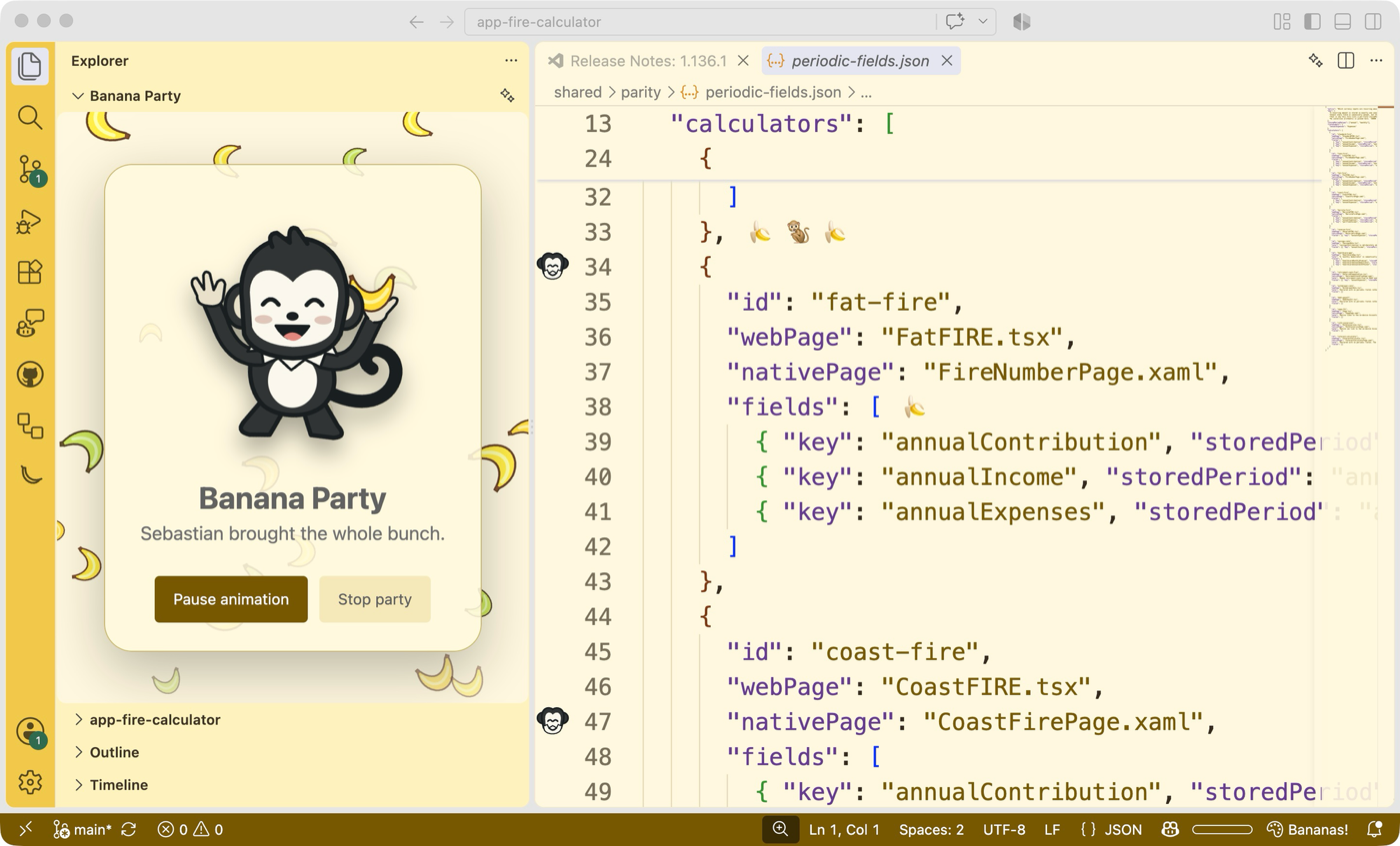
Bring the party to VS Code or Visual Studio with banana decorations, four optional color themes, and a little troop of monkeys to keep you company.
Both are free on the Visual Studio Marketplace. Your source files stay untouched.
Once installed, run Start or Stop Banana Party from your editor's command menu.